
Delta Executor is a Roblox script executor built for players who are tired of endless grinding.
You see someone with a rare fruit. A mythical pet. A weapon you’ve never seen before. Suddenly, your own inventory doesn’t feel quite as exciting anymore.
One more quest. One more boss. Another level. You finally reach your goal, only to discover there’s already something new to chase.
Instead of spending another evening repeating the same tasks, many players use Delta Executor to spend less time grinding and more time enjoying the Roblox experiences they love.
What is Delta Executor?
Delta Executor is a free Roblox executor for Android and iOS that runs Lua scripts, making the hard and boring parts of your favorite games much easier.
How Does Delta Executor Help?
Delta Executor helps players by reducing repetitive Roblox gameplay through scripts, so you spend less time grinding and more time playing.
In many Roblox games, progress comes from repeating the same tasks over and over again.
You might spend hours defeating NPCs for coins, completing the same quests, opening hundreds of eggs to hatch a rare pet, collecting event items, or farming materials for upgrades.
Other games require you to catch fish, gather resources, chop trees, mine ores, plant crops, craft items, build structures, level up, or travel between the same locations again and again.
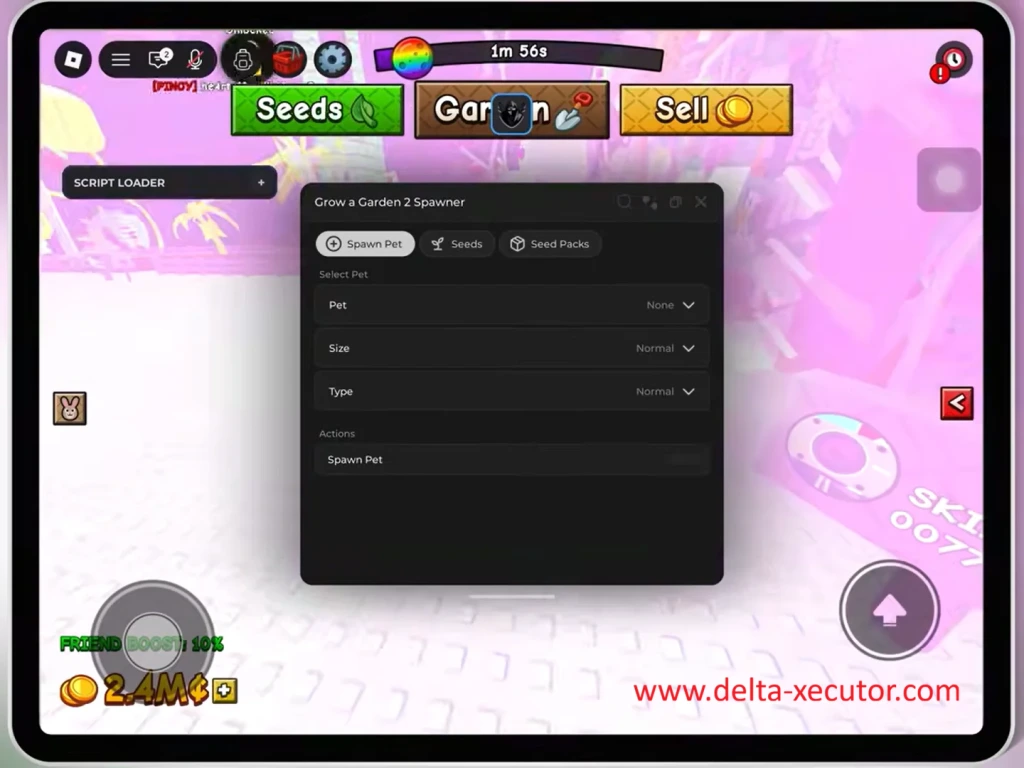
These activities help you make progress, but they can also turn a fun game into hours of repeating the same actions.
Examples of Repetitive Roblox Gameplay
Imagine you’re playing Blox Fruits and need millions of Beli for your next weapon or fighting style.
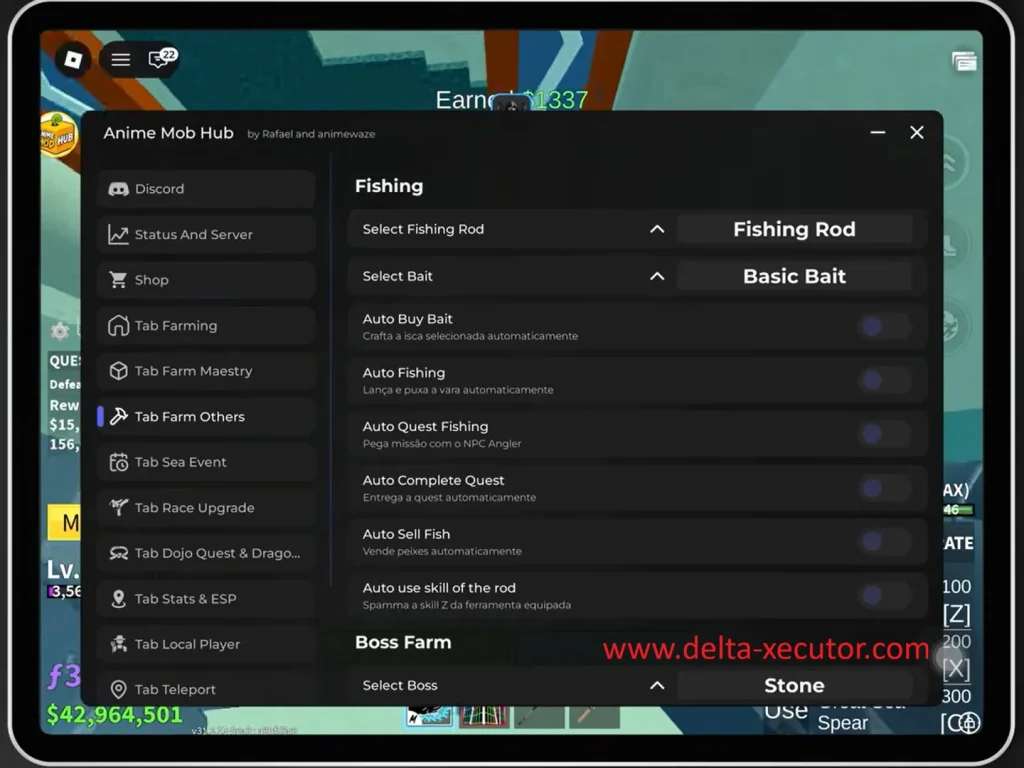
Earning that much Beli often means defeating the same enemies and completing the same quests for hours before finally unlocking your next goal.
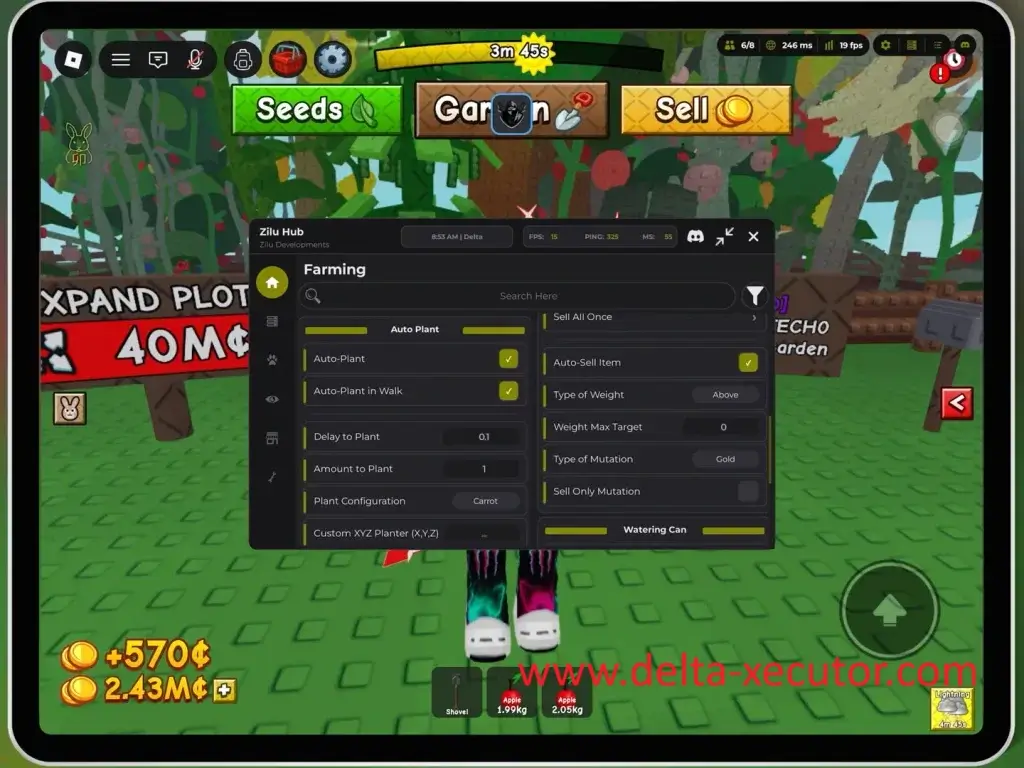
In Grow a Garden, you plant seeds, wait for crops to grow, harvest them, sell your produce, and begin the same farming cycle all over again.
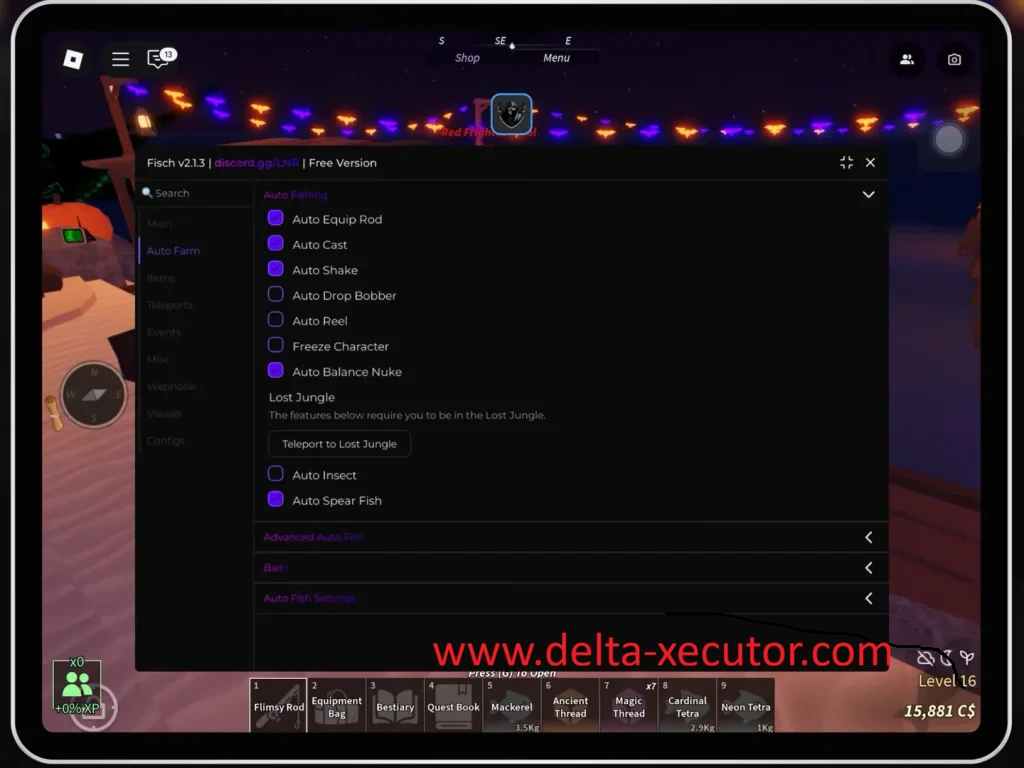
In Fisch, you cast your fishing rod, wait for a catch, reel it in, sell the fish, and begin the process again.
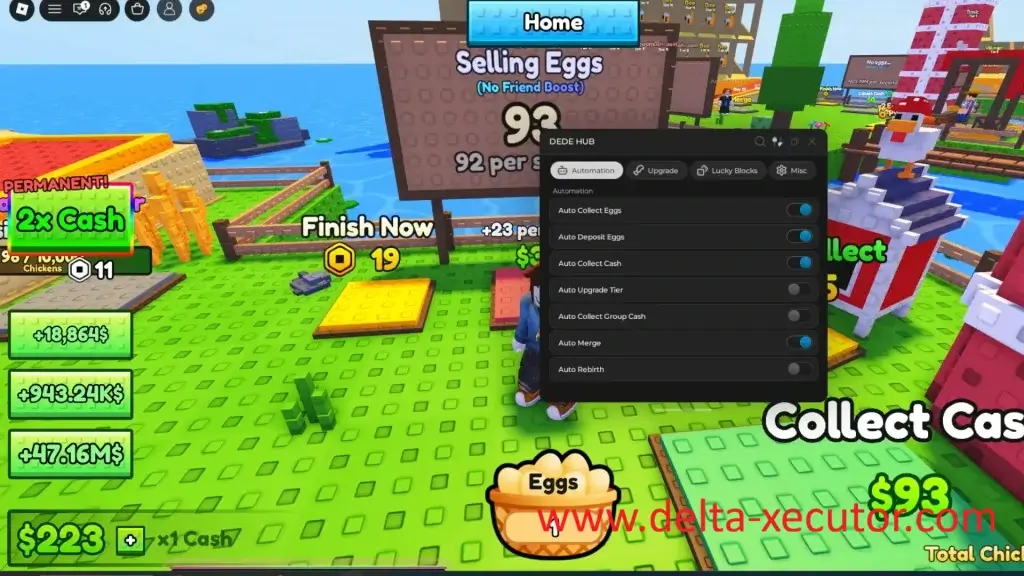
In Chicken Farm, you collect money, deposit your earnings, upgrade your farm, and repeat the production cycle as your business grows.
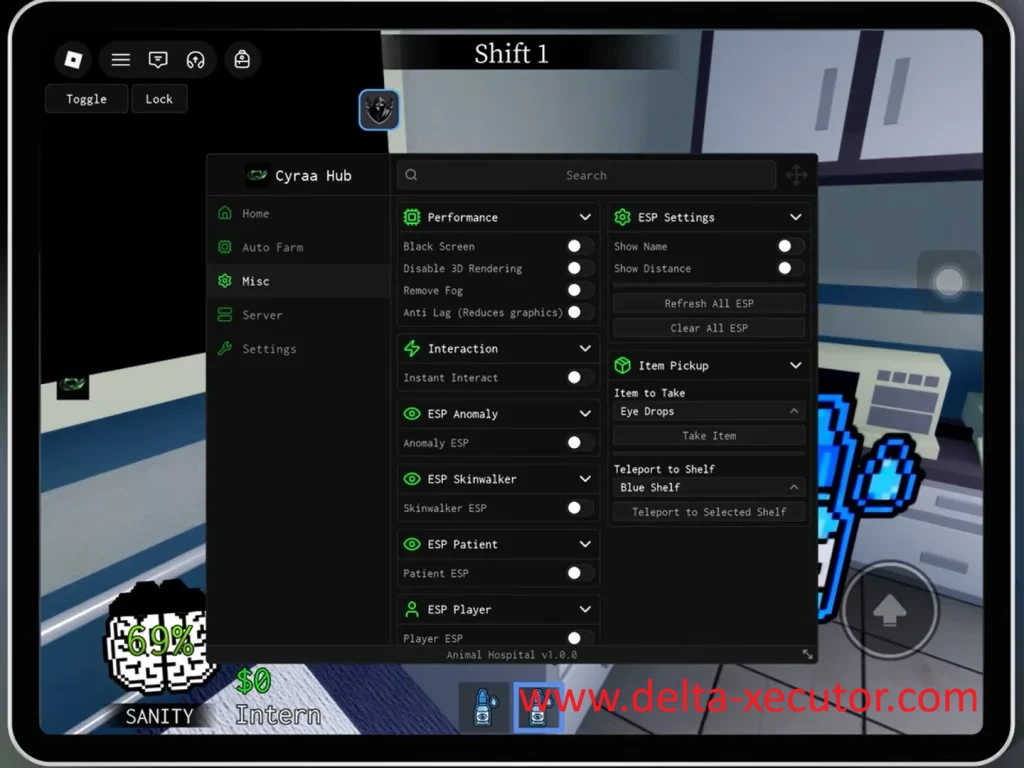
In Animal Hospital, you care for patients, complete routine tasks, collect rewards, and upgrade your equipment before treating more patients.
Action and survival games can involve repetition too.
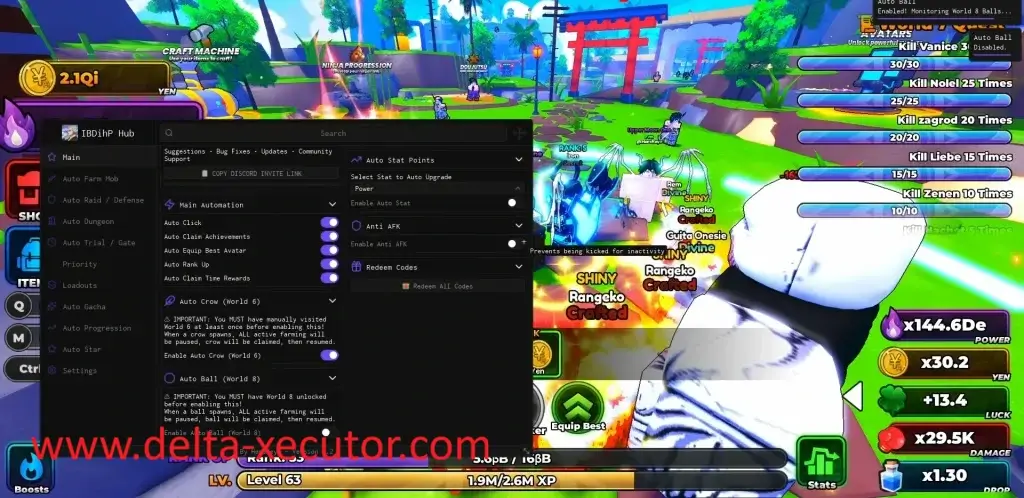
In Anime Astral Simulator, players may repeatedly defeat enemies, complete quests, collect resources, and upgrade their characters.
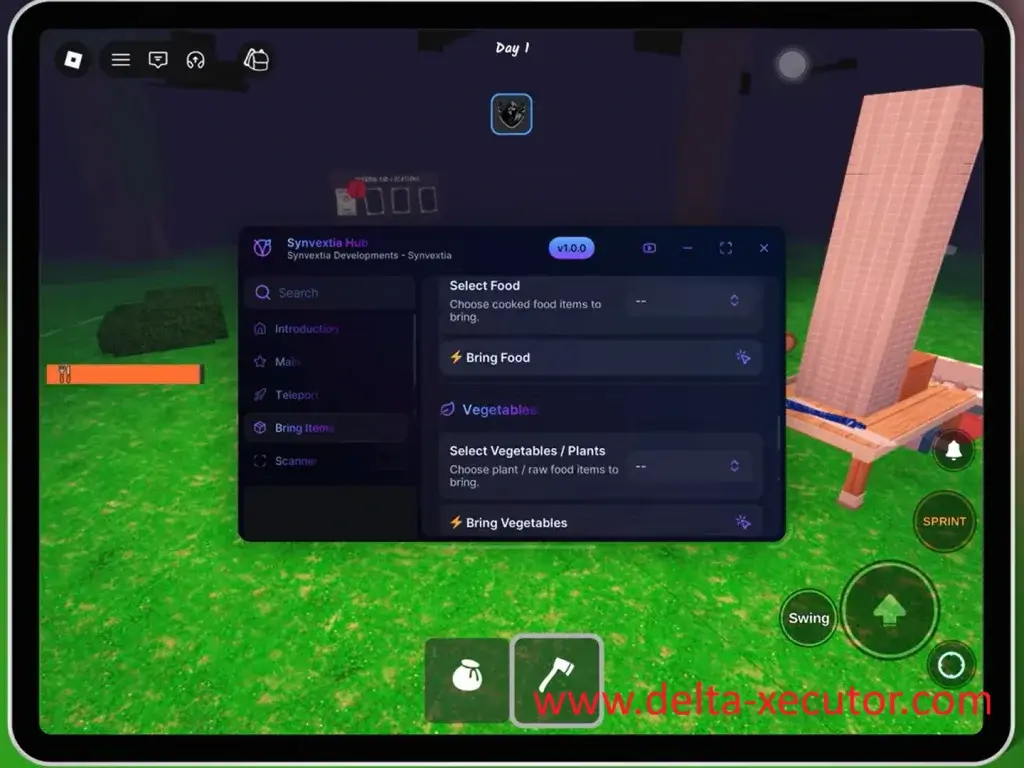
In 99 Nights in the Forest, gathering materials, crafting equipment, building defenses, and preparing for each night become part of an ongoing survival cycle.
How Delta Executor Reduces Repetitive Gameplay
Although every Roblox game is different, the pattern is often the same: players repeat familiar actions until they earn enough Robux or in-game currency, resources, experience, or rewards to progress.
Delta Executor helps reduce this repetition by running Roblox Lua scripts that automate the gameplay tasks players perform over and over again.
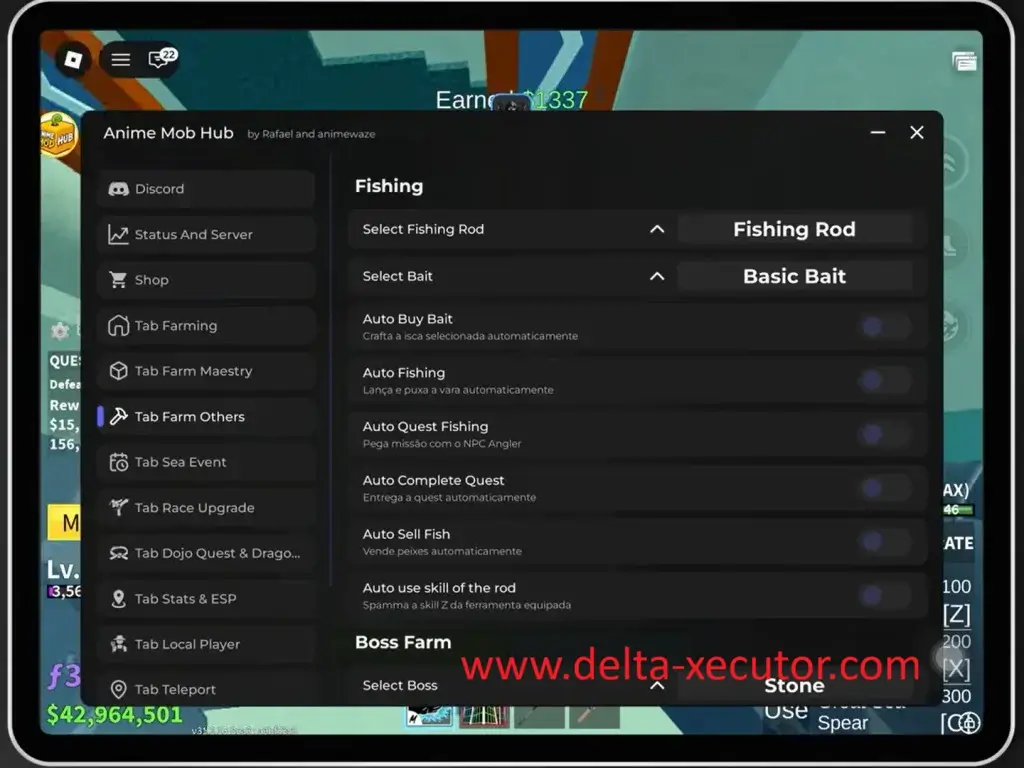
Depending on the script, it may handle activities such as farming enemies, completing quests, collecting items, catching fish, harvesting crops, upgrading equipment, hatching eggs, claiming rewards, or travelling between locations.
Instead of performing each repeated action yourself, you can let the script handle the task while you focus on exploring, building, battling, or simply enjoying the game with friends.
That does not mean Delta Roblox Script Executor creates coins, rare pets, weapons, fruits, levels, or other rewards.
The rewards still come from activities performed inside the game.
Delta Executor simply runs the Roblox script that automates the repeated gameplay needed to earn those rewards.
Common Tasks Roblox Scripts Can Automate
| Gameplay task | Example script |
|---|---|
| Defeating enemies | Auto Farm |
| Completing quests | Auto Quest |
| Catching fish | Auto Fish |
| Harvesting crops | Auto Harvest |
| Collecting items | Auto Collect |
| Hatching eggs | Auto Hatch |
| Selling inventory | Auto Sell |
| Upgrading equipment | Auto Upgrade |
| Travelling between locations | Teleport |
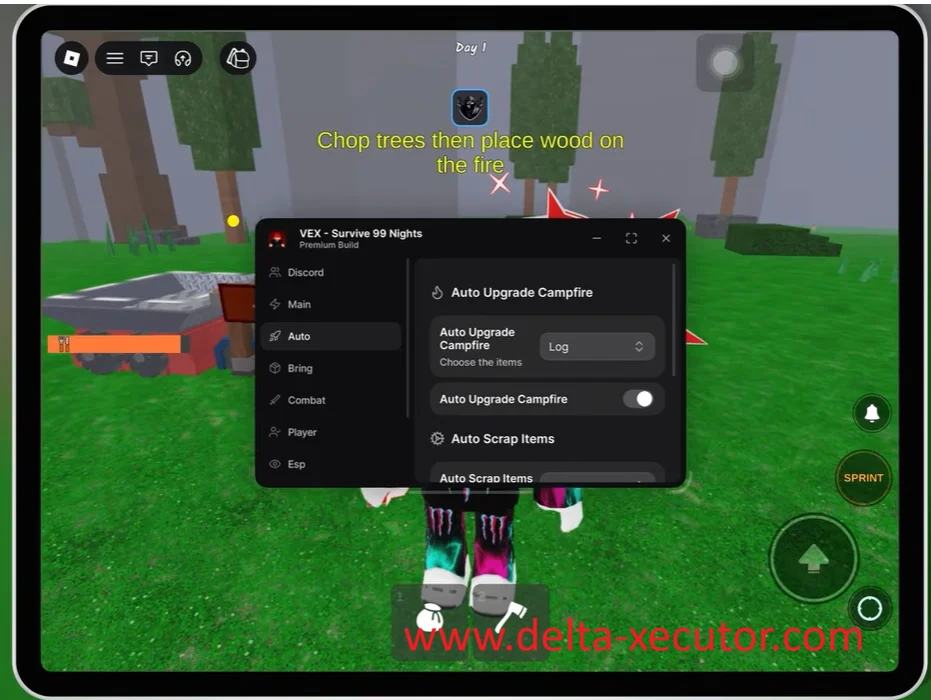
What Is a Roblox Script?
A Roblox script is a small program written in Lua, the scripting language used by Roblox.
It tells Roblox to perform a specific gameplay action automatically.
Every Roblox script is created to perform one or more specific tasks inside a Roblox game.
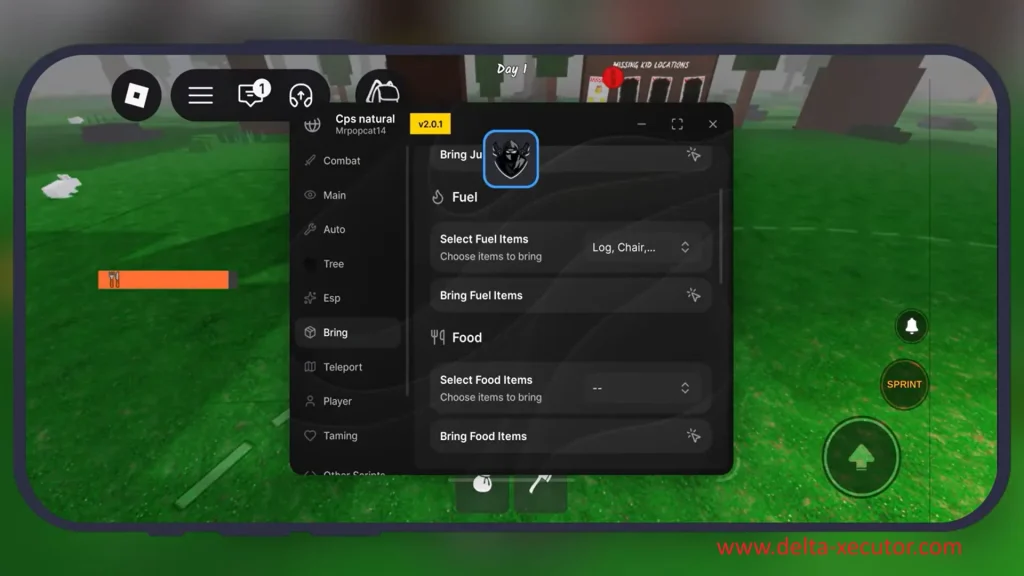
Automation Scripts
Many Roblox scripts automate repetitive gameplay that players would otherwise have to do themselves.
For example, an Auto Fish script catches fish automatically, an Auto Sell script sells your inventory whenever it’s full.
An Auto Craft script crafts items using collected materials, and an Auto Collect script gathers nearby drops for you.
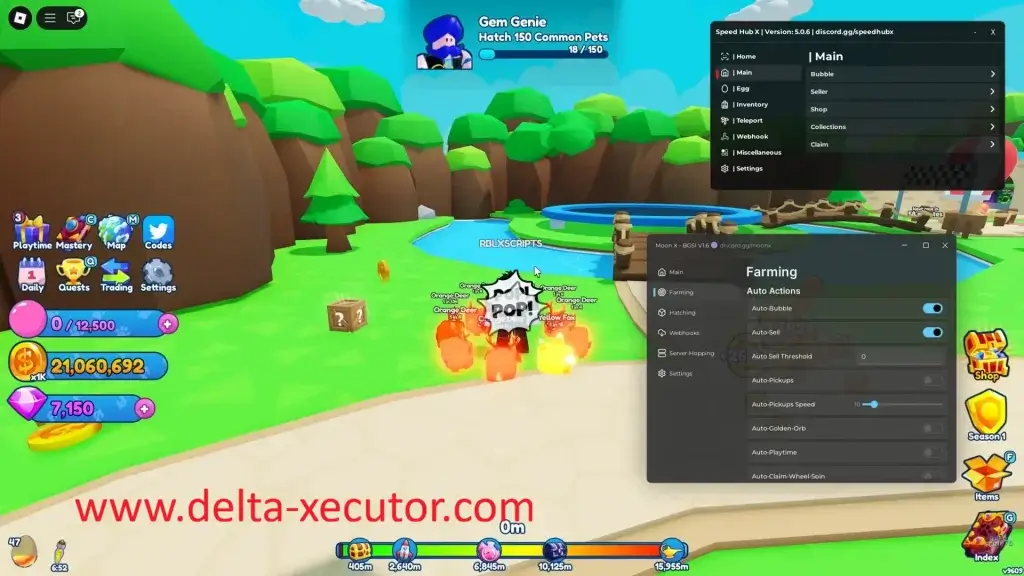
Many games also use Auto Farm, Auto Quest, Auto Hatch, Auto Build, Auto Upgrade, Auto Buy, Auto Equip, Auto Claim, Auto Spin, Auto Roll, Auto Rebirth, and Auto Collect Reward scripts to automate different gameplay tasks.
Utility and Movement Scripts
Not every Roblox script is designed for automation.
Some scripts provide gameplay tools or movement features instead.
For example, an ESP script highlights players, enemies, NPCs, chests, or other important objects through walls, making them easier to locate in games like Rivals.
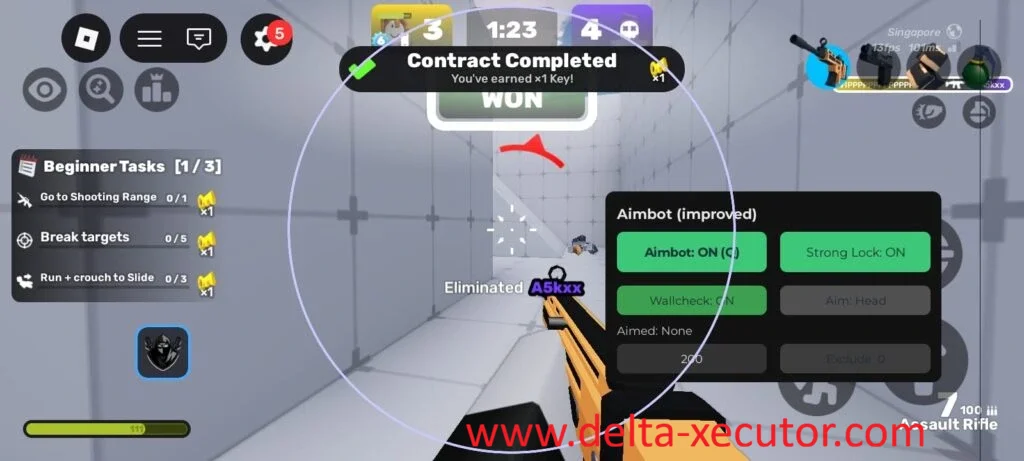
Other scripts change how your character moves around the game.
A Teleport script moves your character between locations.
An Infinite Jump script lets you keep jumping in mid-air, and a Fly script allows you to move freely around the map.
Although Roblox scripts can perform very different tasks, each one is created for one or more specific purposes.
An Auto Fish script won’t teleport your character, a Teleport script won’t complete quests, and an ESP script won’t catch fish.
On its own, however, a Roblox script cannot run inside Roblox. It must first be executed.
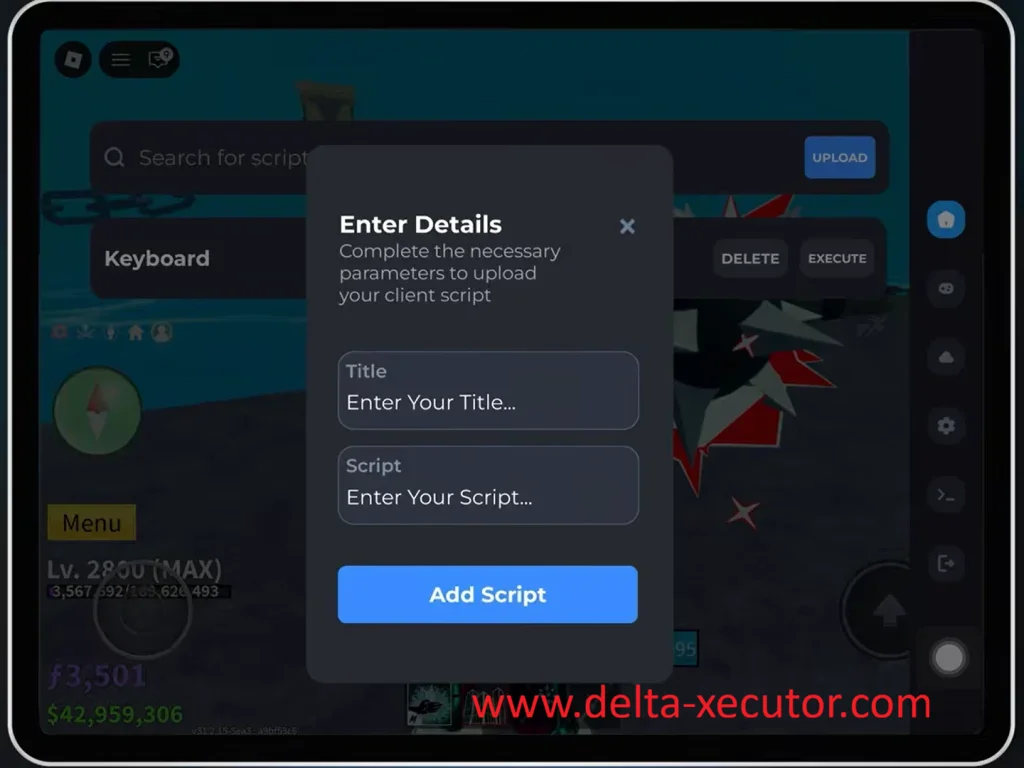
How Does Delta Executor Run Roblox Scripts?
Before a Roblox script can run, you first need to choose one.
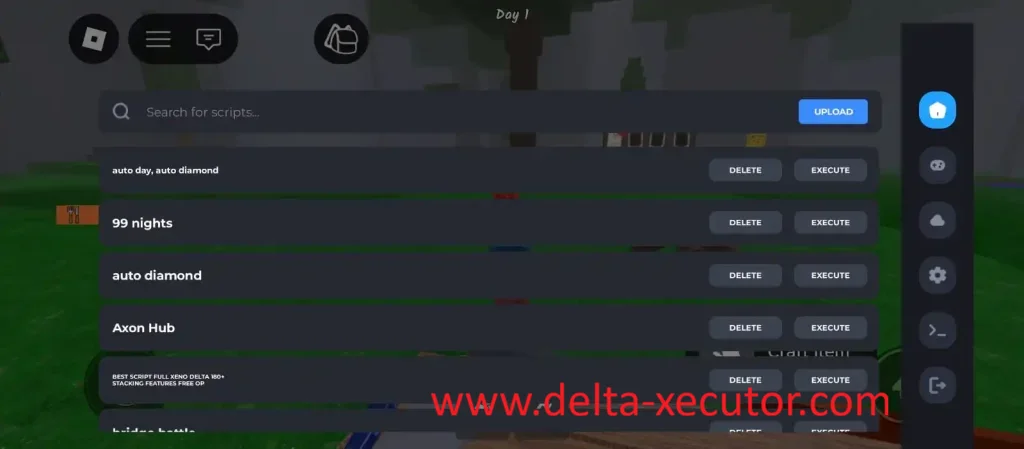
Many players use scripts from Delta Executor’s built-in script library, while others use Roblox Lua scripts created by different developers and shared through script communities.
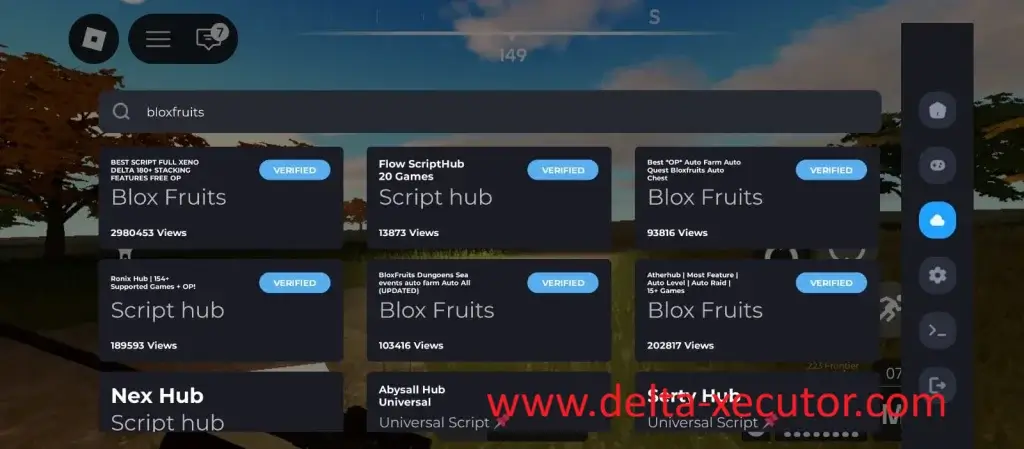
After choosing a script, you load it into Delta Executor and press Execute.
Delta Executor then loads and runs the selected Roblox Lua script inside the Roblox experience, allowing the gameplay to continue automatically while you stay focused on the adventure.
From that point on, the script performs the gameplay task it was created for until you stop it or leave the game.
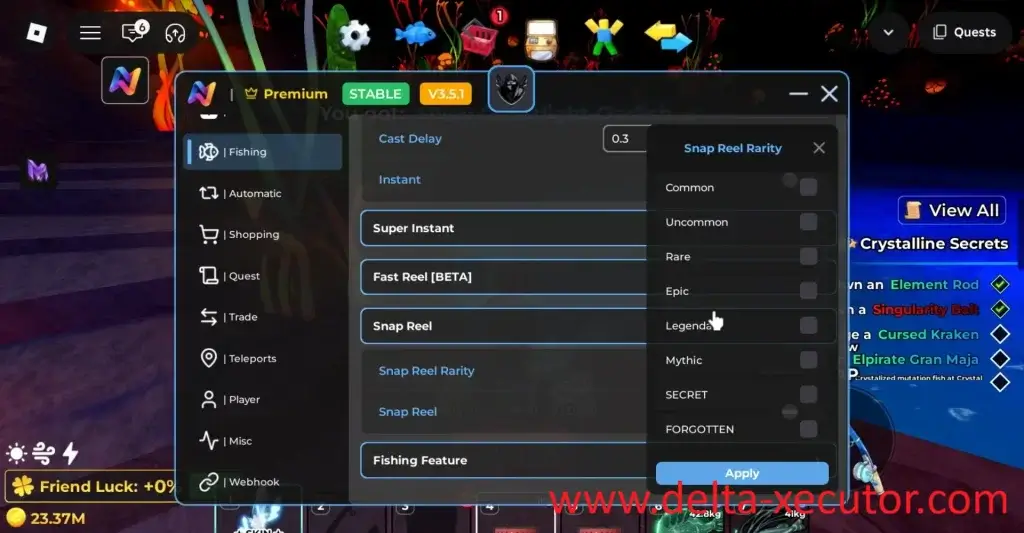
Delta Executor does not decide what the script should do or change how it behaves.
The gameplay actions come from the Roblox script itself, while Delta Executor simply runs the script you selected.
Without a Roblox script, Delta Executor has nothing to run.
Without Delta Executor, a Roblox script cannot run inside Roblox.
Both work together to automate the selected gameplay task.
Delta iOS Executor
Delta Executor is available for both iPhone and iPad, giving Apple users access to the same Roblox scripting experience available on Android.
If you want to know how to download Delta Executor on iPad, the installation methods are the same as on iPhone.
The iOS version supports the same script execution engine, built-in Script Library, regular updates, and interface, so you don’t lose any core functionality by choosing an Apple device.
Unlike Android, however, Delta isn’t distributed through the App Store.
Apple only allows apps installed through its own distribution system, while Delta is distributed independently.
For that reason, installing Delta on iOS follows a different process than downloading an app from the App Store.
Delta Direct Install
There are two ways to install Delta on iPhone or iPad: Delta Direct Install and Delta Executor IPA.
Both methods install exactly the same Delta iOS app.
The difference isn’t the application itself—it’s simply the way the Delta iOS app is installed on your device.
If you’re installing Delta Executor iOS for the first time, Direct Install is usually the best choice.
Everything happens directly on your iPhone or iPad, making it the quickest installation method for most users.
Why Choose Direct Install?
With Delta Direct Install, you don’t need to download the Delta IPA or use signing applications such as ESign, KSign, or Scarlet.
Delta Executor Direct Install also does not require you to manage an Apple Developer Certificate, making it simpler than manual IPA signing.
Simply tap the Direct Install button, confirm the installation, and wait for Delta to appear on your Home Screen.
Delta Executor IPA
If Delta Direct Install isn’t available, you can install Delta executor iOS using the IPA instead.
An IPA is the installation package used by iOS applications, similar to how an APK is used on Android.
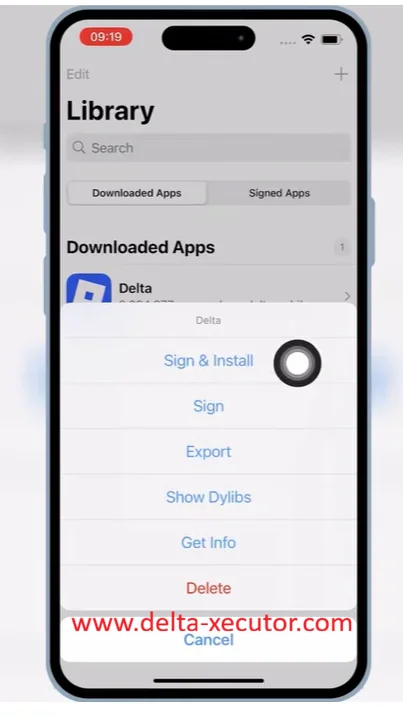
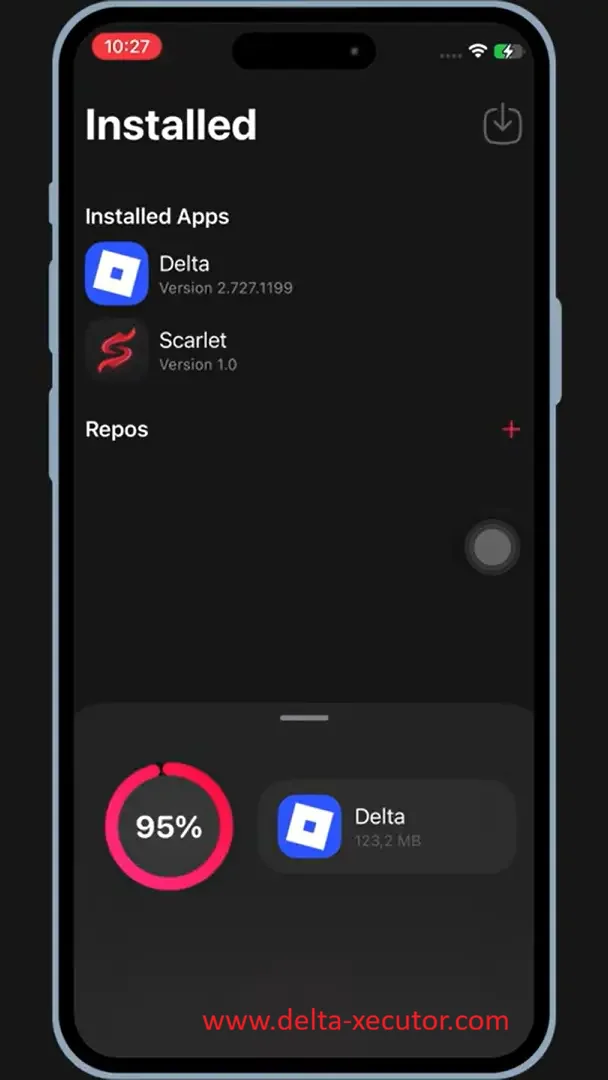
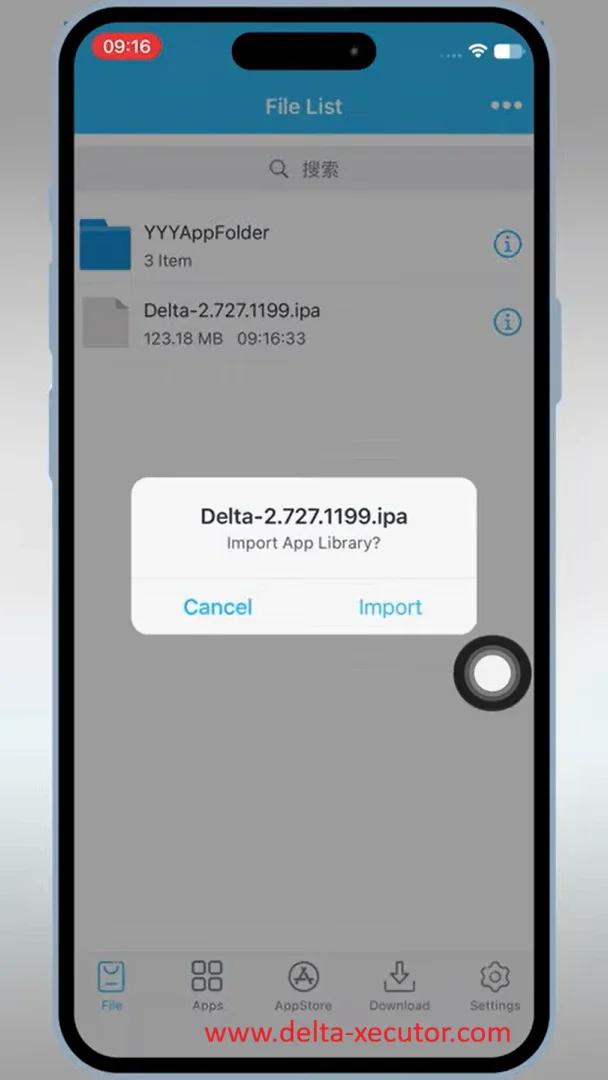
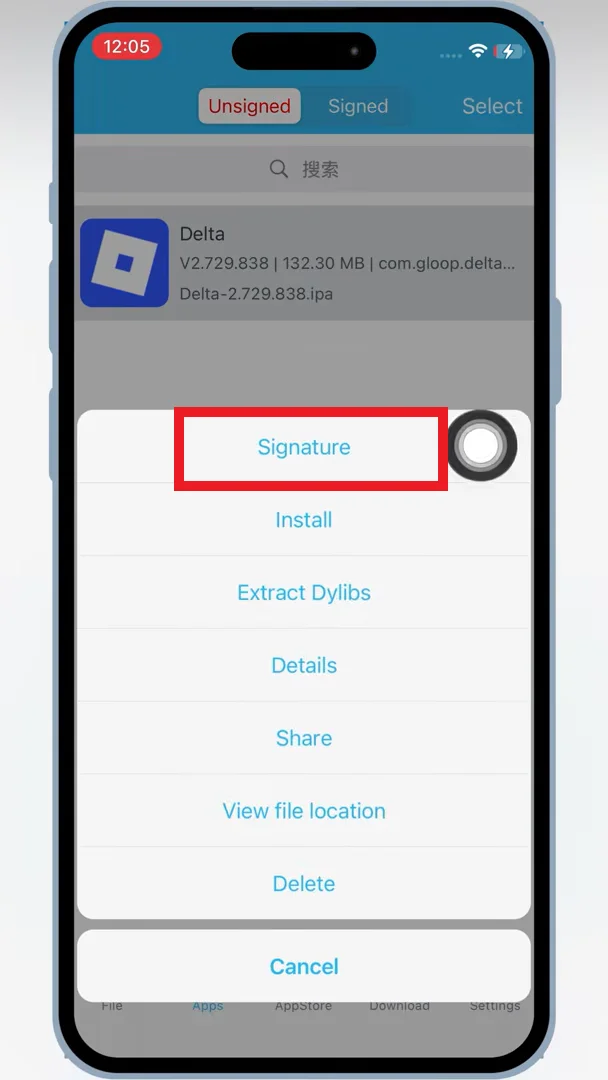
Instead of installing Delta automatically, you download the latest Delta IPA and install it manually using an iOS signing application.
IPA Signing Apps
Several IPA signing apps support the Delta IPA, including ESign, KSign, and Scarlet.
These tools let you install IPA files on iPhone and iPad without jailbreaking your device.
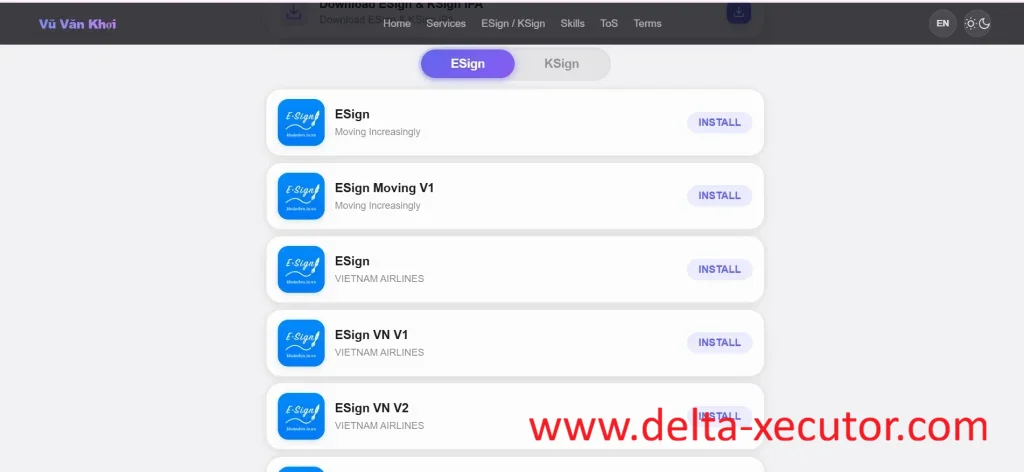
These applications don’t modify Delta or install a different version of the app.
Their only purpose is to sign the Delta IPA and install the same Delta iOS Executor on your iPhone or iPad.
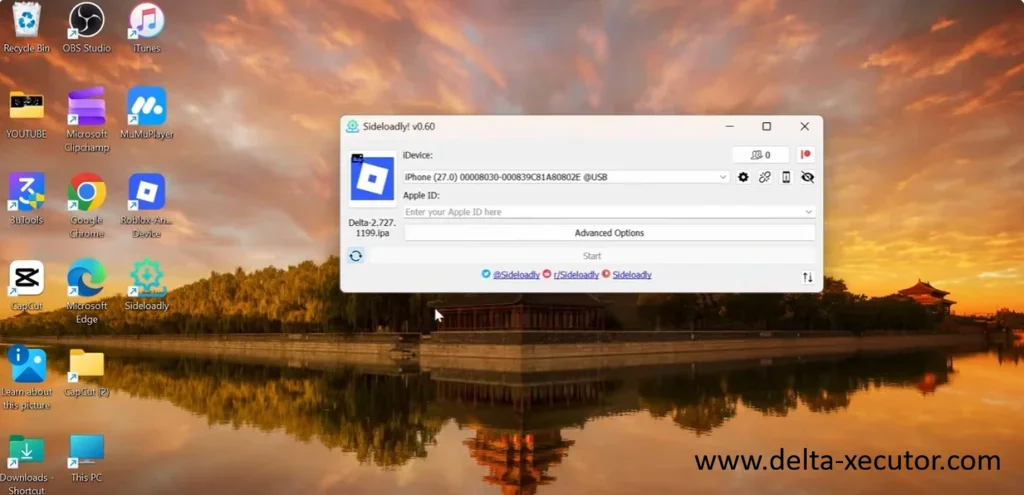
If you prefer installing Delta from a Windows PC or Mac, you can also use Sideloadly.
Unlike ESign, KSign, or Scarlet, Sideloadly transfers the Delta IPA from your computer to your iPhone.
This means your device must be connected during the installation process.
A computer is only required when using Sideloadly.
Direct Install, ESign, KSign, and Scarlet all allow you to install Delta without connecting your iPhone to a computer.
Trusting the Developer Profile
After Delta has been installed, iOS may display an “Untrusted Enterprise Developer” message the first time you open the app.
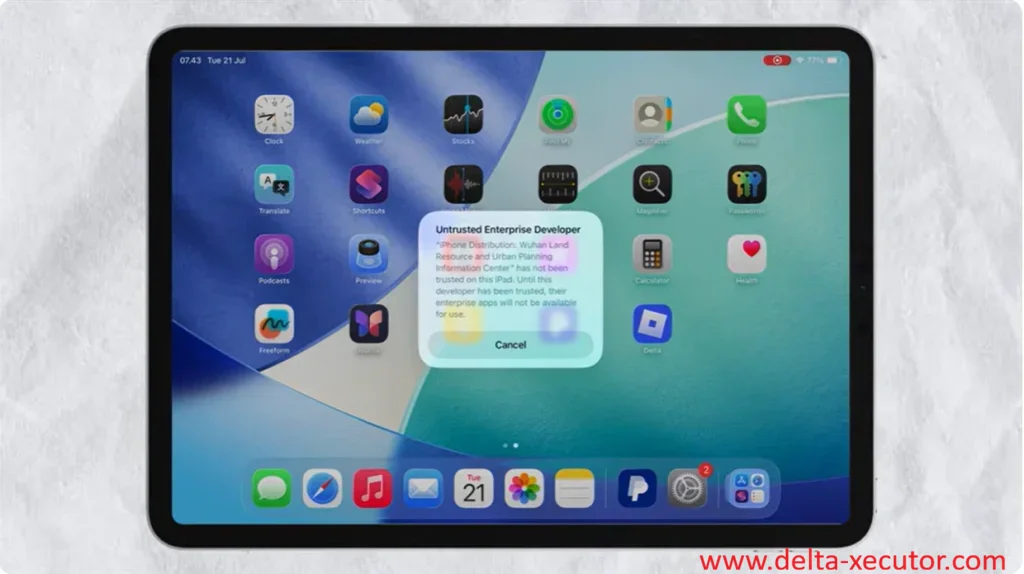
This is a normal security check for applications that weren’t installed through the App Store.
Open Settings → General → VPN & Device Management, trust the developer profile, and launch Delta again.
Once trusted, the app opens normally and you won’t need to repeat this step unless you install Delta again with a different certificate.
Whether you choose Direct Install, the Delta IPA, ESign, KSign, Scarlet, or Sideloadly, every method installs the same Delta iOS application.
Choose Direct Install for the quickest setup.
If it isn’t available, download the Delta IPA and install it using your preferred signing app.
Delta Executor for macOS
For a long time, Mac users had to rely on Android emulators or another device just to execute Roblox scripts.
Now, Delta is available natively on macOS, allowing you to install and use the executor directly on your Mac without switching platforms.
Installing Delta on macOS is straightforward.
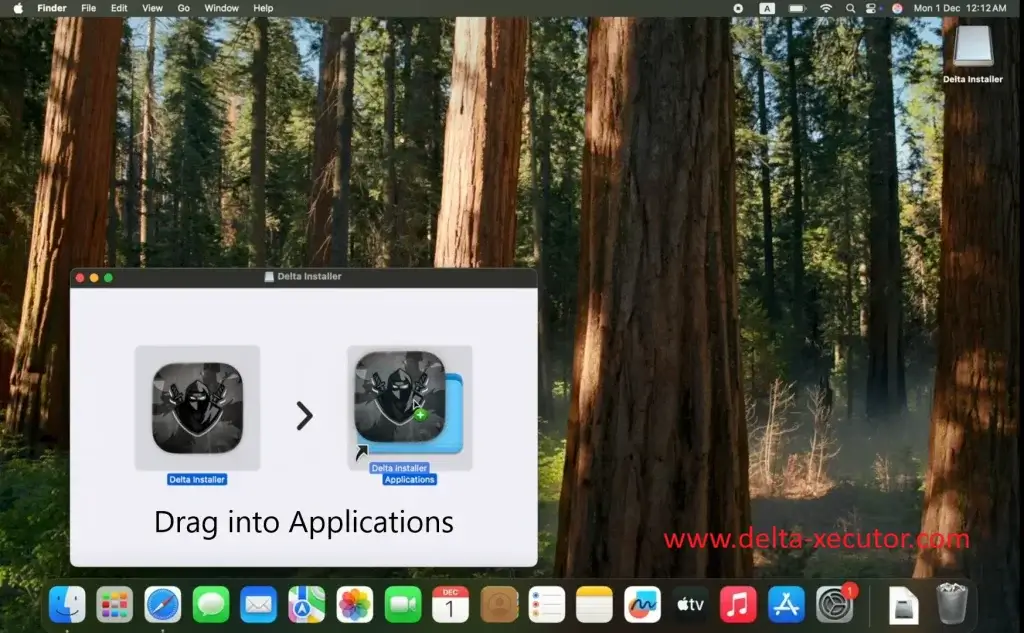
Simply download the latest Delta DMG, open the file, drag Delta into your Applications folder, launch the Delta Installer, and complete the installation.
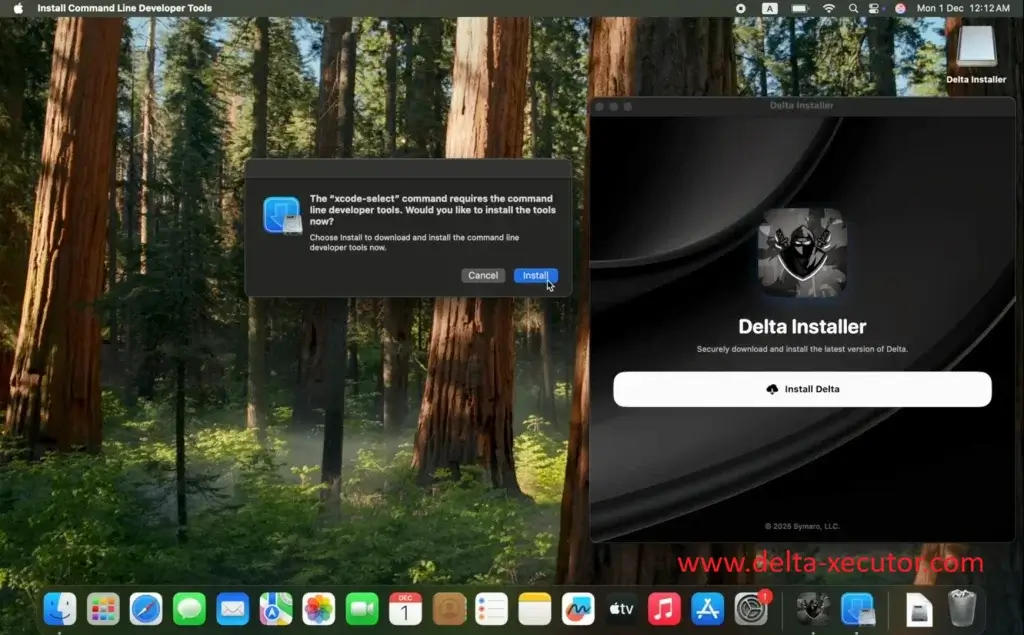
A DMG is the standard installation file format used by macOS, similar to how Windows applications commonly use EXE files for installation.
Unlike iPhone and iPad, macOS doesn’t require signing applications like ESign, KSign, or Scarlet to install Delta.
You also don’t need another computer or mobile device during the installation process because everything happens directly on your Mac.
Whether you’re using an Intel Mac or an Apple Silicon Mac, the installation process remains the same.
Download the appropriate Delta DMG for your device, launch the Delta Installer, complete the installation, and you’ll be ready to execute Roblox scripts on macOS.
Delta Executor APK
This Delta Executor Mobile tutorial explains the Android setup: download the latest Delta Executor APK, open the file, and follow the on-screen installation prompts.
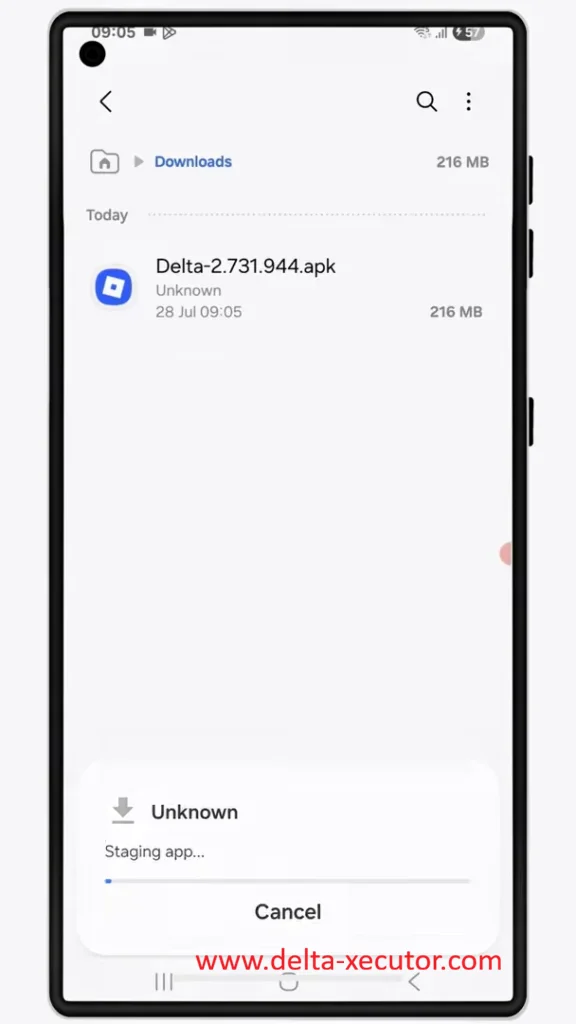
The entire installation takes place directly on your Android phone or tablet, so you don’t need a Windows PC, Mac, emulator, or another device.
An APK (Android Package Kit) is the standard installation file format for Android apps, similar to how Windows uses EXE files.
Instead of downloading Delta from the Google Play Store, you install the APK directly on your Android device.
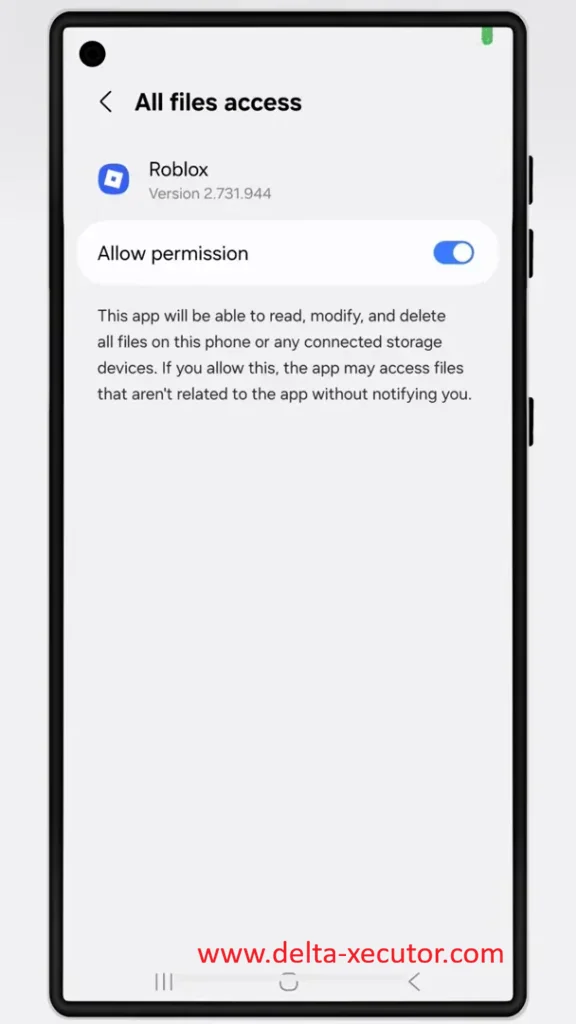
After installation, grant the required storage permission if prompted so Delta Android can access the files it needs to run.
Unlike iPhone and iPad, Android allows applications to be installed directly from APK files.
Because of this, Delta doesn’t require signing tools such as ESign, KSign, Scarlet, or Sideloadly before installation.
Once installation is complete, launch Delta, open Roblox, and execute your Roblox scripts on Android.
Delta Executor Windows
Although Delta Executor doesn’t have a native Windows application.
You can still use it on your PC through an Android emulator.
How Delta Works on Windows
Since Delta is developed for Android, Windows users install and run the Android version instead of downloading a separate Windows executable.
An Android emulator creates a virtual Android environment inside Windows, allowing Android applications to run on your laptop or computer.
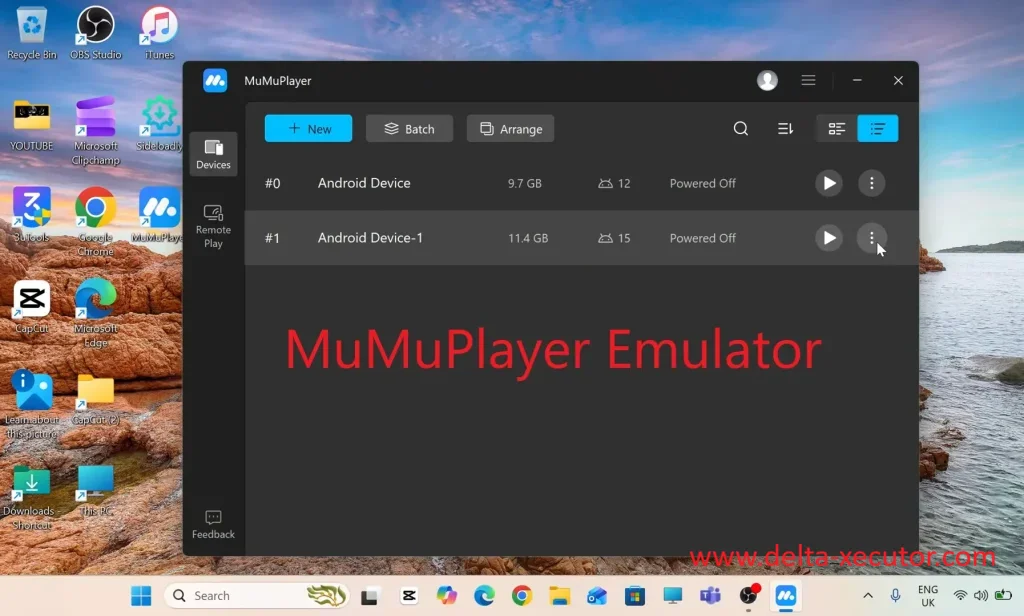
Rather than converting Delta script executor into Windows software, the emulator provides the Android system that Delta requires, making it possible to install and use the APK on a Windows computer.
Because of this, Windows installation is different from a typical desktop application.
Instead of installing an EXE file, you’ll first install an Android emulator such as MuMu Player, then open the latest Delta APK inside the emulator to complete the installation.
Once installed, Delta launches directly from the emulator whenever you want to use it.
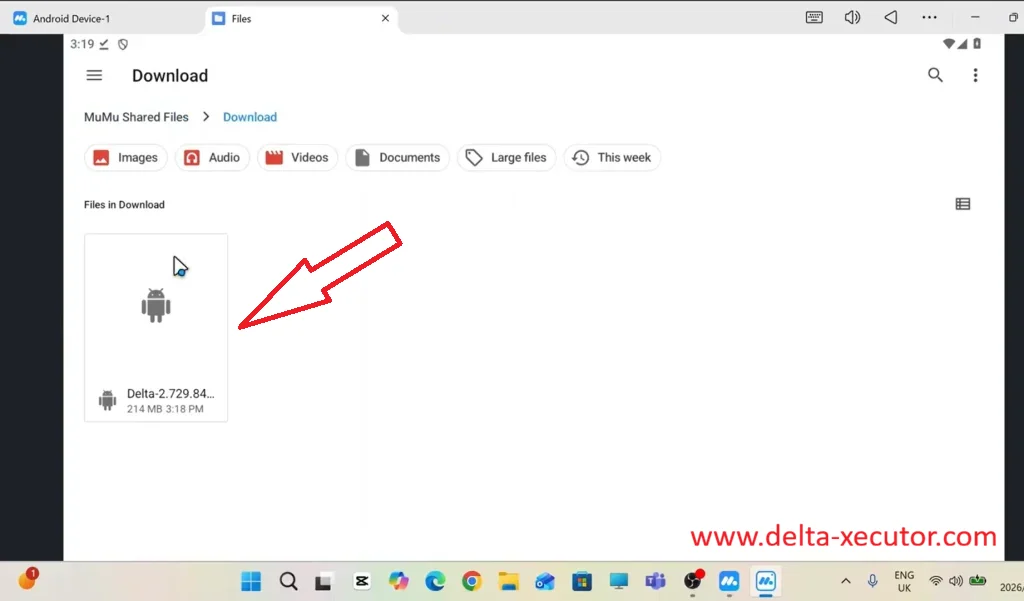
Why Use MuMu Player?
Several Android emulators support Delta, including MuMu Player, BlueStacks, and LDPlayer.
MuMu Player is commonly recommended because it is optimized for Android gaming, offers strong Roblox compatibility, and provides a straightforward APK installation process.
Delta Executor Windows does not mean Delta is running directly as Windows software.
The full setup works like this: Windows runs the Android emulator, the emulator runs Roblox Android, and Delta Executor APK runs inside that same emulator to execute Roblox Lua scripts.
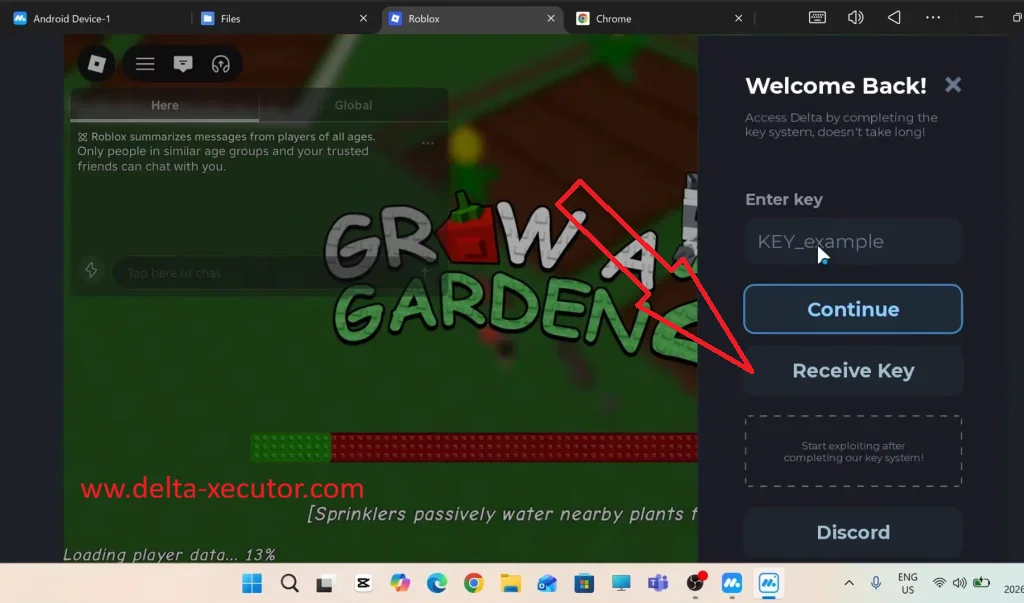
Because everything depends on the emulator environment, performance and compatibility can be affected by your emulator version, Roblox Android version, Delta APK version, RAM, CPU, graphics settings, and whether virtualization is enabled on your PC.
Delta Executor VNG
Most Roblox players use the global version of Roblox published by Roblox Corporation.
What Is Roblox VNG?
In Vietnam, however, Roblox is distributed through Roblox VNG, a localized version operated by VNG Corporation under a regional publishing agreement that complies with Vietnam’s regulations.
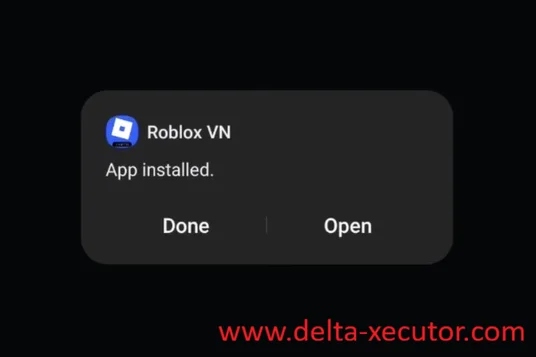
Although both versions provide access to the Roblox platform, they are distributed as separate applications.
Because Delta Executor interacts directly with the Roblox application installed on your device, it must match the Roblox client you’re using.
The standard Delta Executor is designed for the global Roblox app, while Delta Executor VNG is built specifically for Roblox VNG.
This isn’t a different or upgraded executor—it’s a compatibility version created for the Vietnamese Roblox client.
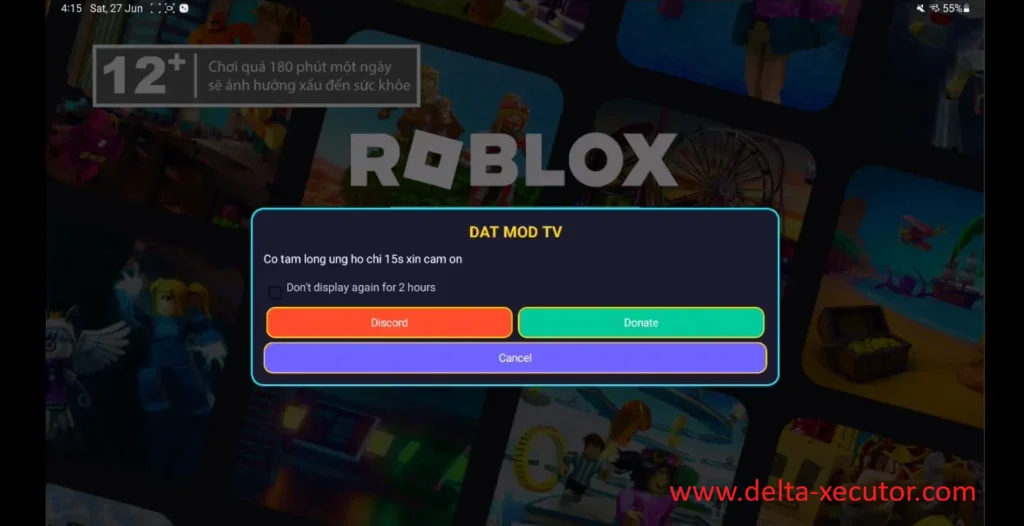
Who Should Download Delta Executor VNG?
Whether you need Delta Executor VNG depends on the version of Roblox installed on your device, not simply your location.
If you’re using Roblox VNG, install Delta Executor VNG.
If you’re using the standard global Roblox application, continue using the regular Delta Executor download.
Using the wrong or outdated version may prevent Delta from working correctly because each release is designed for a different Roblox client.
If the standard version of Delta displays an “App not available in your region” message, it’s often an indication that your device or account is using Roblox VNG.
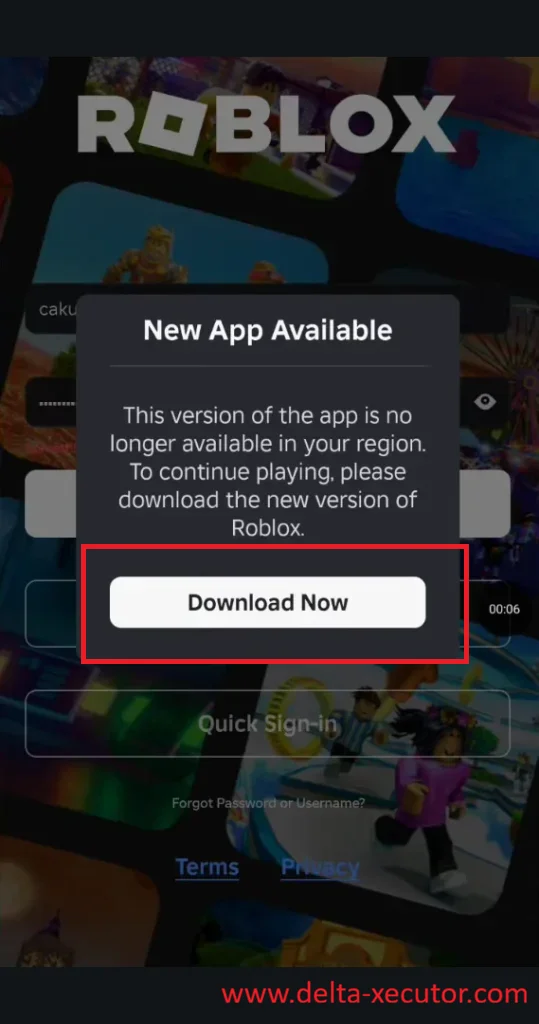
In that case, downloading Delta Executor VNG provides the version designed to work with the localized Roblox application.
Delta Executor Discord
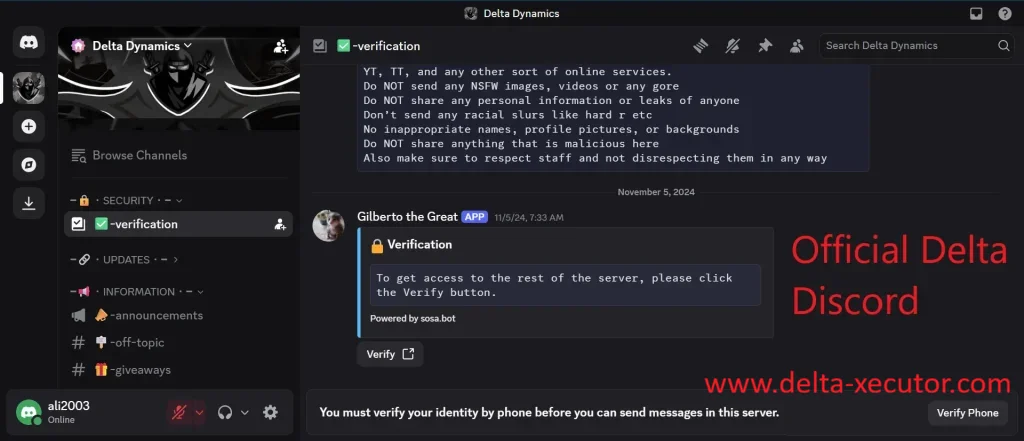
The official Delta Executor Discord is where developers share announcements, updates, and important news about Delta.
Why Join the Delta Discord?
When Roblox releases an update, Delta receives a new version, maintenance is scheduled, or a compatibility issue is discovered.
These announcements are usually shared on Discord first before appearing on other websites.
Discord also helps users distinguish between individual problems and widespread issues.
If Roblox Lua Script Executor stops working after a Roblox update or you’re experiencing installation errors, you can quickly see whether other users are reporting the same problem.
This makes it easier to determine whether the issue is caused by your device or by a recent Roblox or Delta update, saving time that would otherwise be spent troubleshooting.
Beyond announcements, the community helps players get back into Roblox faster whenever something goes wrong.
Experienced users regularly share installation advice, explain common error messages such as “Untrusted Enterprise Developer,” “Injection Failed,” or “Unsupported Roblox Version”.
They discuss compatibility changes, recommend working scripts, and help troubleshoot problems across Android, iPhone, iPad, Windows, macOS, and Roblox VNG.
Instead of searching through YouTube videos, Reddit discussions, or outdated tutorials, you can find current information from people actively using the latest version of Delta.
Since Delta is one of the most widely discussed Roblox executors, many unofficial Discord servers use similar names, logos, or invite links.
Some distribute outdated Delta Executor download, modified APK or IPA files, fake download links, or inaccurate information.
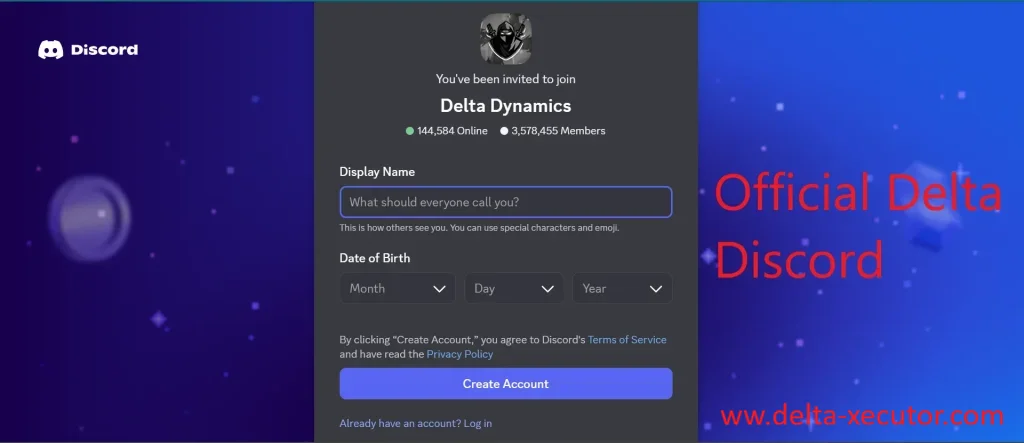
To reduce the risk of downloading untrusted files or following incorrect installation instructions, always use the Discord invite link provided on this page.
Delta Executor Key
Before you can run Roblox Lua scripts with the free version of Delta, you’ll need a valid Delta Key.
Without a key, Delta installs and opens normally, but script execution stays locked.
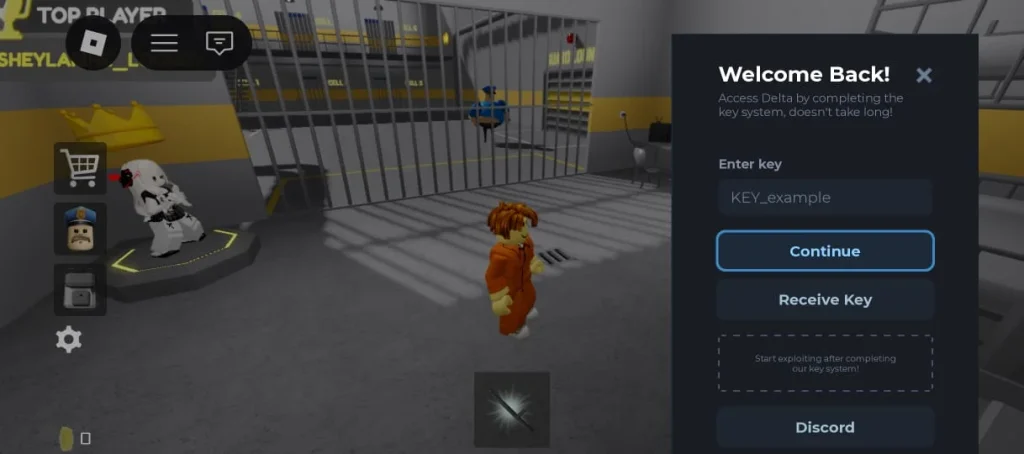
Each Delta Key works for 24 hours. After that, you don’t need to reinstall Delta or set it up again.
Simply get a new key after 24 hours to continue running scripts for free. Your app, settings, and scripts stay exactly as they are.
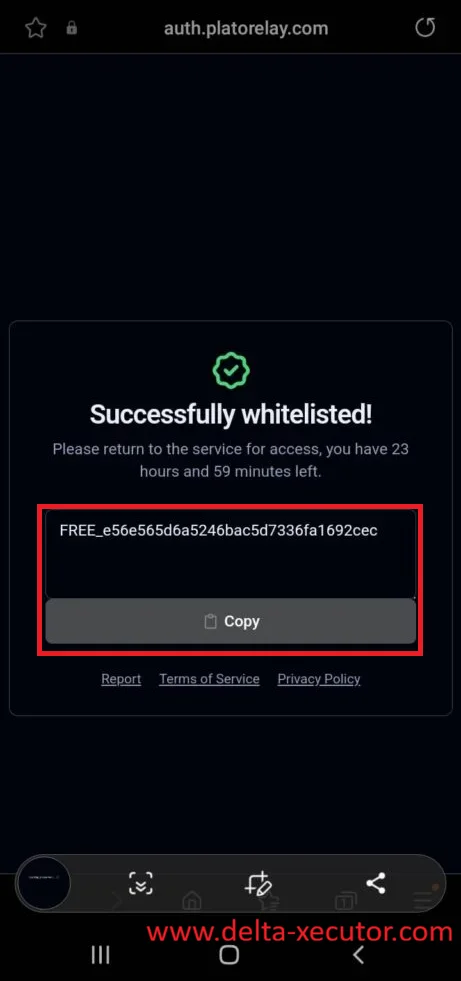
The Delta Key doesn’t unlock extra features or a premium version.
It simply allows free users to execute Roblox Lua scripts with Delta.
Frequently Asked Questions
Is Delta Executor free?
Yes. Delta Executor is free to download and use. The free version requires a Delta Key, which remains valid for 24 hours before you need to generate a new one.
Is Delta Executor safe?
Delta Executor is safest when you download the latest version from a trusted source and avoid unofficial APK, IPA, DMG, key, or Discord links. Fake Delta websites may share outdated files, modified installers, suspicious redirects, or unsafe downloads.
Why does Delta say “not compatible with your device”?
Delta Roblox Executor usually shows this when your Roblox version, Delta version, Android, iOS, emulator, or device isn’t supported. Install the latest Delta Executor version for your platform and make sure Roblox is up to date.
Why does Delta show a different language or unusual error message?
This usually means the message comes from Roblox, your device, another language like Chinese, or an untrusted website instead of Delta. Close the page and open the Delta app already installed on your device.
What should I do if Delta Executor redirects me to suspicious websites?
Close the page immediately and don’t download files or enter your Roblox account details. Use only the trusted download and key links provided on this website.